Embedded Linux
Linux Administration for Embedded Engineers — CLI, Boot, and System Control
Build a real engineer’s understanding of Linux: architecture, filesystems, pseudo filesystems, the full boot journey, init systems, shell workflows, and bash scripting for hands-on system control.
This course is part of "Master Embedded Linux — From User Space to Kernel Drivers"
Enroll in the diploma
It isn't sold separately — enroll in the diploma to unlock all of its courses.
🎯 Why this diploma is worth it
Not a watch-and-forget course — a complete technical reference that lives with you
You get the videos, materials, quizzes, exams and projects — a solid, always-updated reference for every technology in the diploma. You won't need another source.
Lifetime reference + yearly updates
Come back anytime — at work, in interviews, in projects. Refreshed every year so it stays up to date.
Everything in one place
Deep-dive videos + materials + quizzes + exams for every part — a complete curriculum, not just lectures.
Learn at your own pace
Fully recorded. Finish on your schedule, complete a part each month, and progress step by step.
Real projects on GitHub
0+ hands-on projects you submit and push to a GitHub repo — building a portfolio that convinces any employer.
Manual review + industry instructors
Your projects are reviewed by hand, taught by instructors working in the industry — real feedback that levels you up.
Verified certificate + training letter
A QR-verifiable certificate + an Arabic/English training letter that convinces HR — ready for jobs and college.
3Learning outcomes
0Tools & tech
0Hands-on projects
★ 4.9Avg student rating
What you will learn
- ✅ Understand Linux architecture from userspace to kernelspace
- ✅ Navigate boot, init, filesystem, and process-management flows confidently
- ✅ Use the CLI and bash scripting to automate system tasks professionally
Curriculum & units
📚 6 units
🪜 6 steps
⏱️ Flexible
Session 1: Introduction to Linux & Kernel Basics 10 topics · Flexible pace
- Embedded Systems vs Embedded Linux
- Customization Fundamentals
- Host vs Target Machines
- Virtual Machines
- Linux History & Kernel Repository
- Versioning
- Open Source Licensing (GPL)
- Linux Distributions
- Linux Architecture (Userspace vs Kernelspace, System Call Interface)
- Linux Kernel Components
Session 2: Filesystems & Mounting 4 topics · Flexible pace
- Filesystem Basics (What is Filesystem, Root Filesystem RFS, RFS Importance)
- RFS Hierarchy & Directory Structure
- Mounting (What is Mounting, How to Mount)
- Pseudo Filesystems (/proc filesystem, /sys filesystem, Differences between /proc and /sys)
Session 3: Linux Booting Process - Deep Journey from Power-On to GUI 3 topics · Flexible pace
- Boot Fundamentals (What is Bootloader, Power-On Sequence, POST, BIOS/UEFI)
- Bootloaders (MBR, SSBL, U-Boot for ARM, GRUB for x86)
- Kernel & Root Filesystem (InitRamDisk initrd, Virtual Root Filesystem, Kernel Execution, Root Filesystem Mount, Init Process Startup)
Session 4: Init Systems & GUI 4 topics · Flexible pace
- Init Systems Overview (SystemV init, BusyBox init, systemd)
- SystemV (Runlevels, Writing Init Scripts)
- systemd (Targets, Services, Creating Custom Services)
- GUI Systems in Linux (Introduction to GUI, X11 & X.Org Overview)
Session 5: Terminals & Command Line Interface 4 topics · Flexible pace
- Terminal & Shell (What is Terminal, What is Shell, GUI vs CLI Shell, Power of Terminal)
- Command Line Basics (Navigation: cd/pwd/ls, Filesystem: cp/mv/rm/mkdir, Searching: grep/find, Man Pages)
- File System Internals (Metadata, Inodes, Dentry, Hard Links vs Symbolic Links, File Permissions: chmod/chown)
- Process Management (Linux Process Management, Foreground & Background Processes, Signals)
Session 6: Bash Scripting 6 topics · Flexible pace
- Introduction to Bash Scripting (Why Automation, Real-World Use Cases)
- Shell Basics (Types of Shells, Variables: User-Defined/Environment/Read-Only, Variable Substitution)
- Arithmetic Operations (expr, let, bc)
- File & Directory Operators (-f, -d)
- Control Structures (Case Statements, break, continue)
- Script Arguments (Parsing Options with getopts)
Projects you will build
Tools & platforms
Target audience
- Students new to Linux internals
- Embedded developers moving from bare-metal to Linux
- Engineers who want stronger command-line fluency
Career paths
What you receive after finishing
Verification-ready certificates and HR-friendly training letters.
Verified Certificate
Official Learn in Depth completion certificate with QR verification.
Verifiable on the public verification page.
English Training Letter
For international companies and overseas employment.
On official Learn in Depth letterhead, signed by the instructor.
Arabic Training Letter
For local employers in MENA and university coordination.
Bilingual stamped letter ready for HR submission.
Company-Stamped Certificate
Company-stamped, for academic credit. Request it by contacting +20 155 876 5064 via WhatsApp or phone.
Issued upon request after successful completion.
Course FAQ
Is this diploma suitable if I am new to Embedded Linux? هل الدبلومة مناسبة لو أنا جديد على Embedded Linux؟
Yes — Layer 1 starts with Python, Linux, and modern C++ foundations, then builds step by step toward kernels and drivers.
أيوه — مسار Layer 1 يبدأ من الأساسيات في Python وLinux وModern C++ ثم يبني بالتدرج حتى الـ Kernel والـ Drivers.
Do I need to study the full diploma? هل لازم أدرس الدبلومة كاملة؟
No. You can take Layer 1 only, Layer 2+3, or build your own path from the courses that fit your goal.
لا. تقدر تختار Layer 1 فقط، أو Layer 2+3، أو تبني مسارك الخاص من الكورسات المناسبة لهدفك.
Is the content hands-on or only theoretical? هل المحتوى عملي ولا نظري فقط؟
It is highly hands-on: Linux CLI, kernel builds, toolchains, Qt, Raspberry Pi, Yocto, and real device-driver development.
المحتوى عملي جدًا: أوامر Linux، بناء kernels، Toolchains، Qt، Raspberry Pi، Yocto، وكتابة Device Drivers حقيقية.
When is the launch? إمتى الإطلاق؟
The current target is Q4 2026. Register your details and we will send launch and pricing updates first.
المستهدف الحالي هو Q4 2026. سجل بياناتك وسنرسل لك الإطلاق النهائي والأسعار أولًا بأول.
How do I reset my device if I changed my phone or computer? لو غيّرت الجهاز (موبايل أو كمبيوتر)، إزاي أعمل reset؟
Send a WhatsApp message to +201558765064 saying: "I need to reset my device ID" along with your email. We'll reset the old device and you can immediately access on the new one.
ابعت رسالة على واتساب +201558765064 وقول: "عايز أعمل reset لل ID بتاعي" واكتب الإيميل بتاعك. هنعمل Reset للجهاز القديم وتقدر تفتح على الجهاز الجديد فوراً.
How do I register? إزاي أسجل في الكورس؟
Create your account, add the course to cart, and follow the payment steps.
سجل حسابك وأضف الكورس للسلة واتبع خطوات الدفع.
Is there a student discount? هل في خصم للطلبة؟
Yes — students get an automatic discount shown at checkout.
أيوه — الطلبة ليهم خصم خاص بيظهر أوتوماتيك.
Are courses recorded or live? هل الكورسات مسجلة ولا لايف؟
All courses are recorded so you can learn at your own pace.
كل الكورسات مسجلة عشان تتعلم في أي وقت يناسبك.
Are courses free for Palestine? هل فلسطين الكورسات مجانية؟
Yes — all courses are free for people from Palestine.
أيوه — كل الكورسات مجانية لأهل فلسطين.
What payment methods are available? إيه طرق الدفع المتاحة؟
Bank transfer, Vodafone Cash, InstaPay.
تحويل بنكي، فودافون كاش، إنستاباي.
Related courses
Embedded Systems
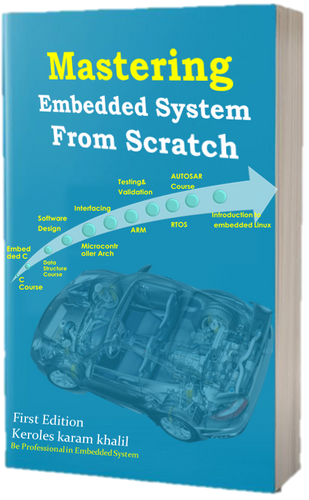
Embedded System In-Depth Diploma
From MCU foundations to Bare-Metal & RTOS mastery
1,500 EGP
3,000 EGP
50% Student Discount
Automotive / AUTOSAR
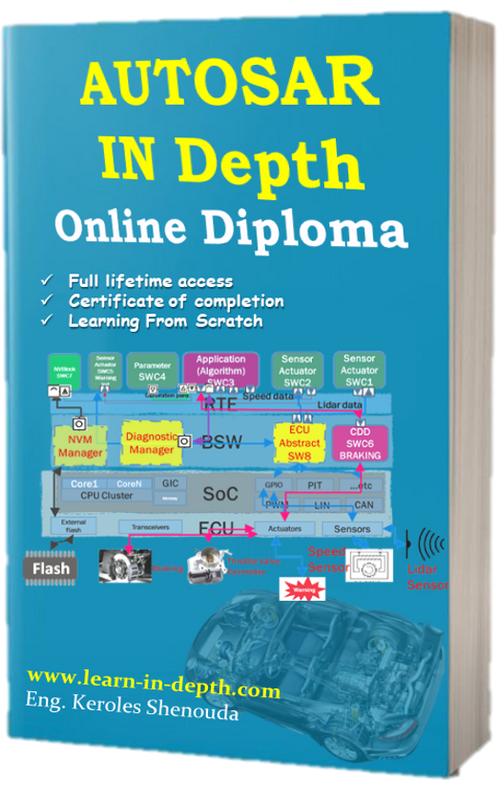
AUTOSAR In-Depth Diploma
AUTOSAR Classic Platform — Configuration, BSW, RTE
2,400 EGP
4,800 EGP
50% Student Discount
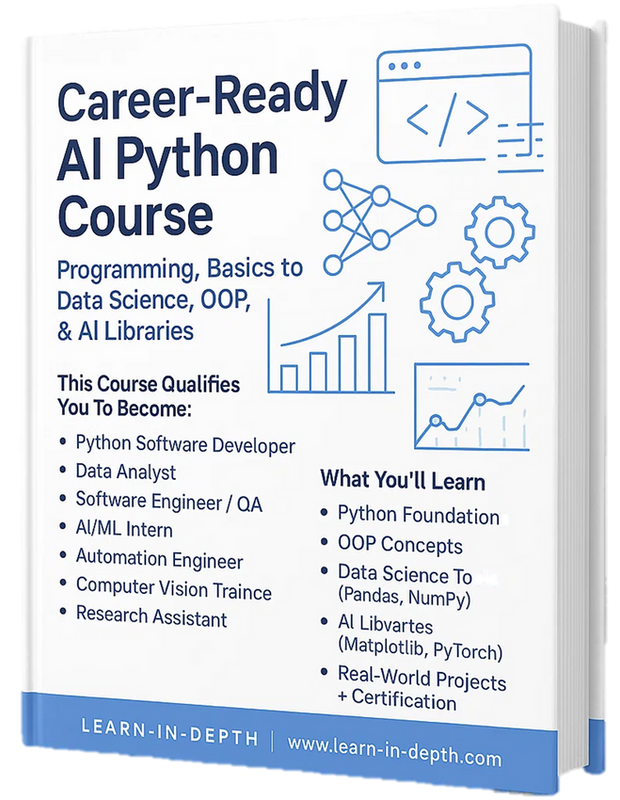
Programming
Master Python — Deep Learning & DevOps
Python for Deep Learning and DevOps in one track
750 EGP
1,500 EGP
50% Student Discount
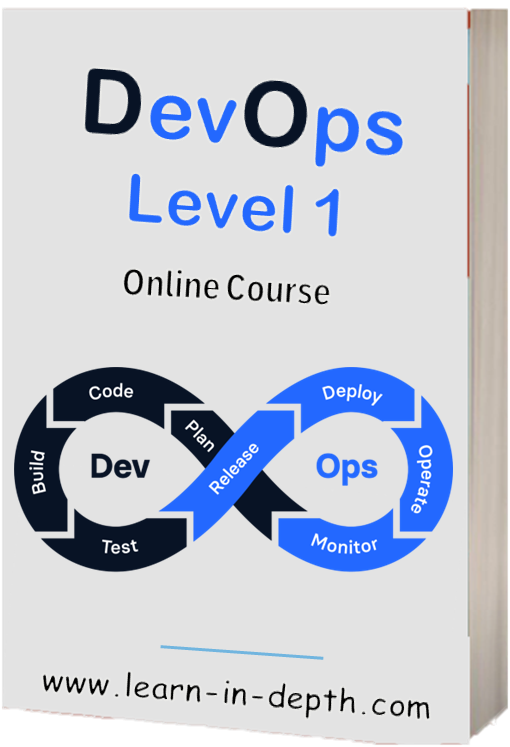
DevOps
DevOps Level 1 Diploma
Linux, Git, CI/CD, Docker — the solid DevOps foundation
2,000 EGP
4,000 EGP
50% Student Discount